
In 2026, turning images into videos feels almost as simple as creating images. I’ve seen more creators skip traditional video editing and instead rely on AI tools to generate content directly from ideas.
The real value of modern image to video tools isn’t just animation. It’s about speed, automation, and being able to produce content consistently.
In this article, I’ll dive into 10 image to video AI generators and compare them one by one, helping you find the best tool that suits your needs.
What is an Image to Video Generator?
An image to video generator is an AI tool that converts still images into moving video content.
Earlier tools mainly added simple effects like slow zooms or lighting changes. In 2026, AI video models will be much smarter. They can generate cinematic scenes, simulate camera motion, and even help build short story-style videos using reference images.
These tools are popular because video content performs better on most social platforms, and AI makes production faster and cheaper.
How I Chose These Tools
I focused on real creator usability rather than popularity alone.
I evaluated tools based on:
- Video quality
- Speed of generation
- Ease of use
- Creative flexibility
- Pricing value
Now let’s look at the best tools.
Best Image to Video Generators in 2026
Loova — Best All-in-One Creation Platform
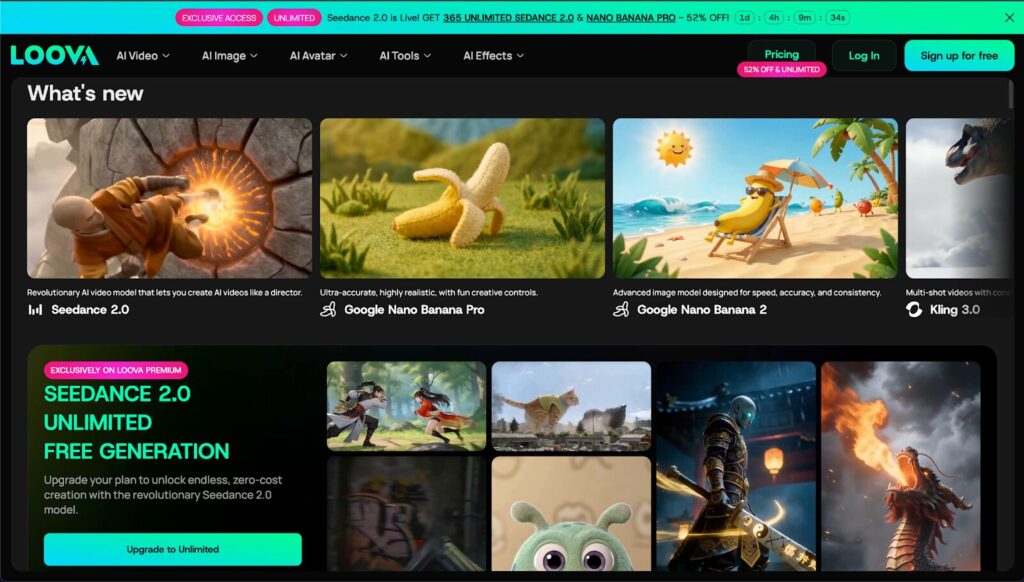
Loova is my top choice because it works like a full content production studio.
I can move from concept to video output very quickly. I usually generate images first, then convert them into video clips, and finally add editing effects inside the same platform.
Key capabilities include:
- Text-to-video generation
- Image-to-video conversion
- AI video editing controls
- AI image generation for thumbnails and assets
This is especially useful for creators who need to produce content regularly.
The only limitation is that cinematic quality depends heavily on prompt quality. But for daily content production, it’s extremely efficient.
Kling AI — Best Cinematic Video Quality
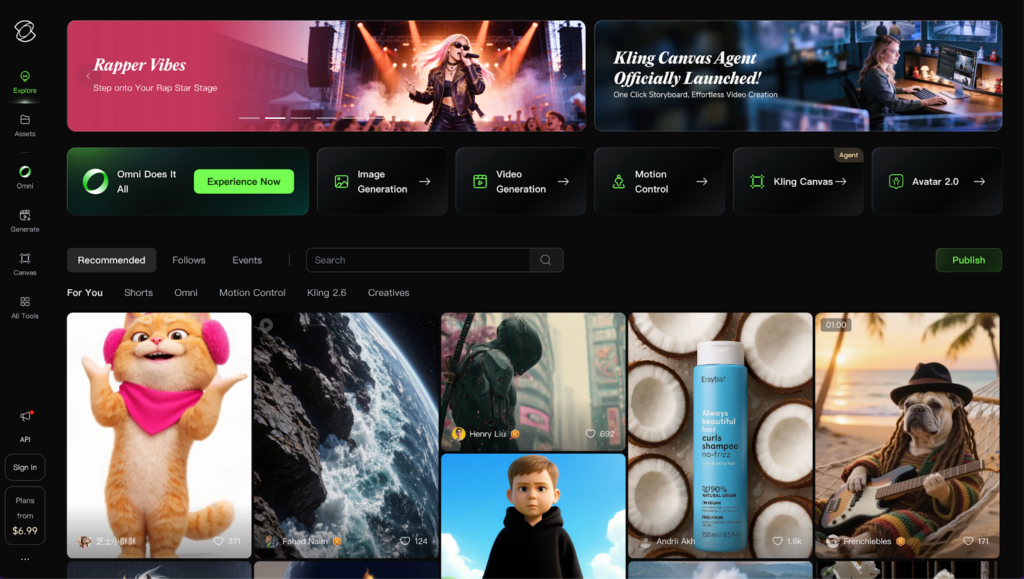
Kling AI is known for realistic visual output.
It performs well when creating:
- Story-driven scenes
- Brand storytelling videos
- Cinematic marketing content
The tradeoff is speed. High-quality generation can take longer, but visual quality is usually excellent.
Pika — Best Viral Social Media Videos
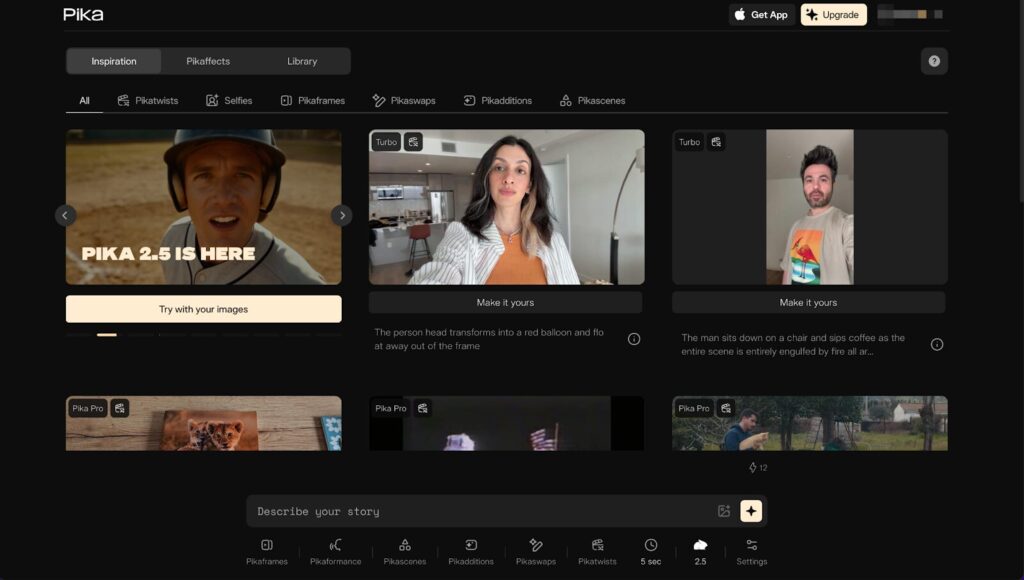
Pika is extremely beginner friendly.
It is best for:
- Meme videos
- Short marketing clips
- Character animations
The tool is simple to use but doesn’t provide advanced cinematic control.
Runway Gen-3 — Best Professional AI Editing
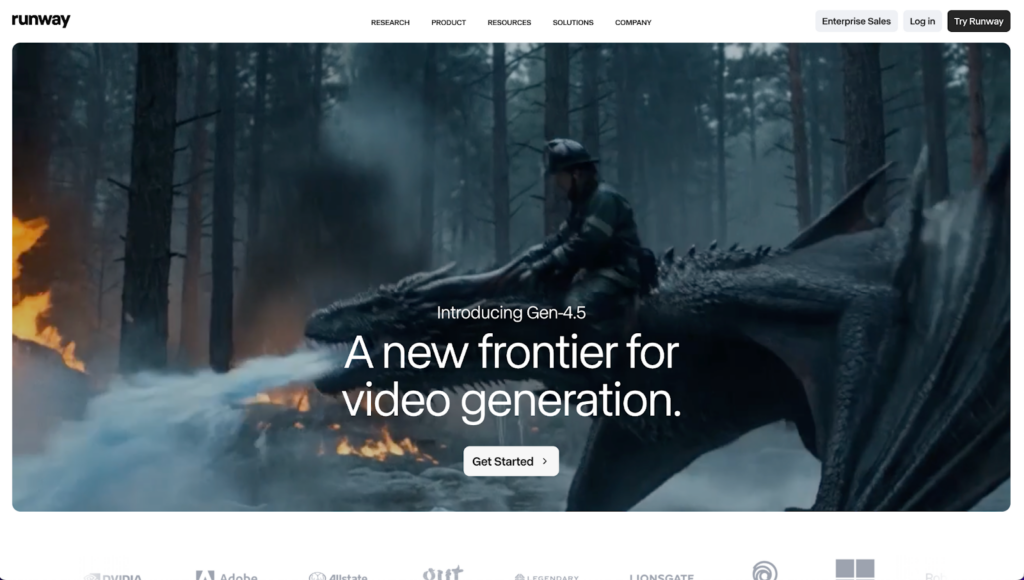
Runway feels closer to professional editing software enhanced with AI.
You can:
- Edit objects inside videos
- Extend scenes
- Perform advanced post-production edits
It is great for agencies or experienced creators who want more control over final output.
HeyGen — Best AI Avatar Videos
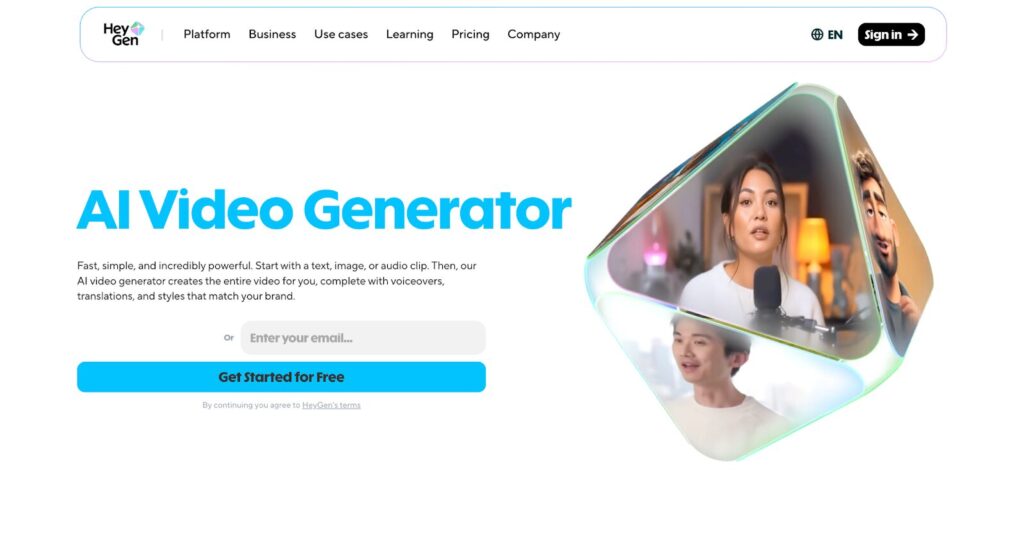
HeyGen specializes in talking avatar videos.
It is commonly used for:
- Corporate presentations
- Training videos
- Business explainers
The strength is realistic AI presenters, but it is not built for cinematic storytelling.
InVideo — Best Template Marketing Videos
InVideo is great when you need marketing videos quickly.
It offers:
- Large template libraries
- Easy text-based video creation
However, it offers less creative freedom than prompt-based AI models.
VEED — Best Simple Online Video Editing
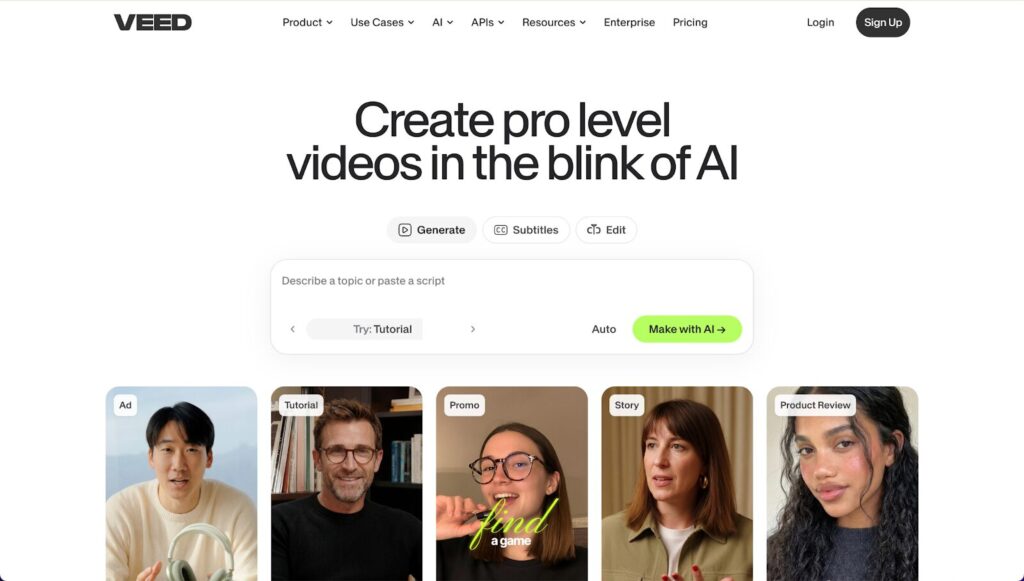
VEED is a lightweight video editing platform with AI features.
It is useful for:
- Automatic subtitle generation
- Quick video polishing
- Social media exports
It is not meant for advanced AI video creation.
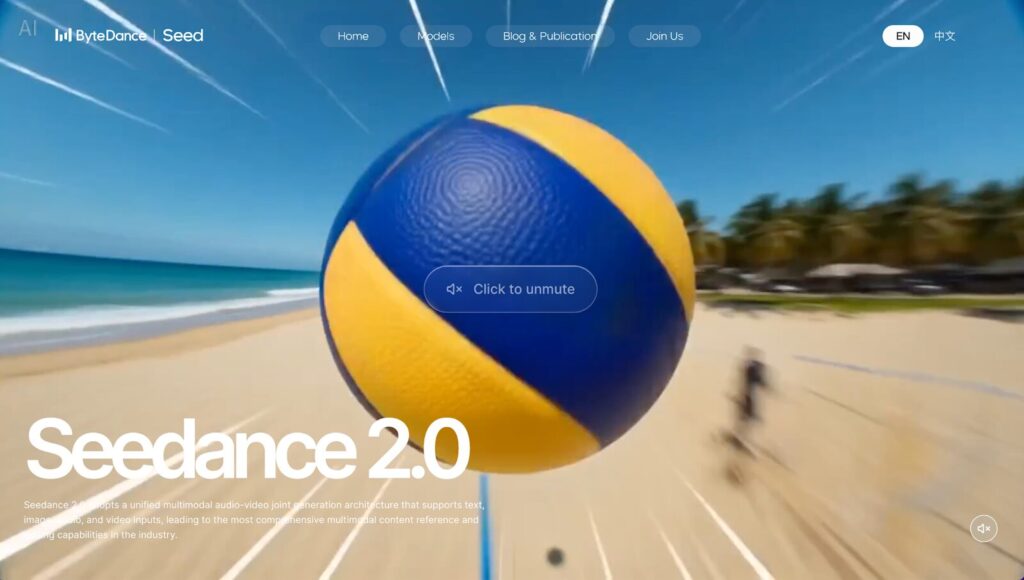
Seedance — New Generation AI Video Model
Seedance focuses on filmmaker-style AI generation.
It is good for:
- Reference-based scene creation
- Character consistency across scenes
The platform is still developing but has strong creative potential.
VEO — High-Fidelity AI Research Quality Video
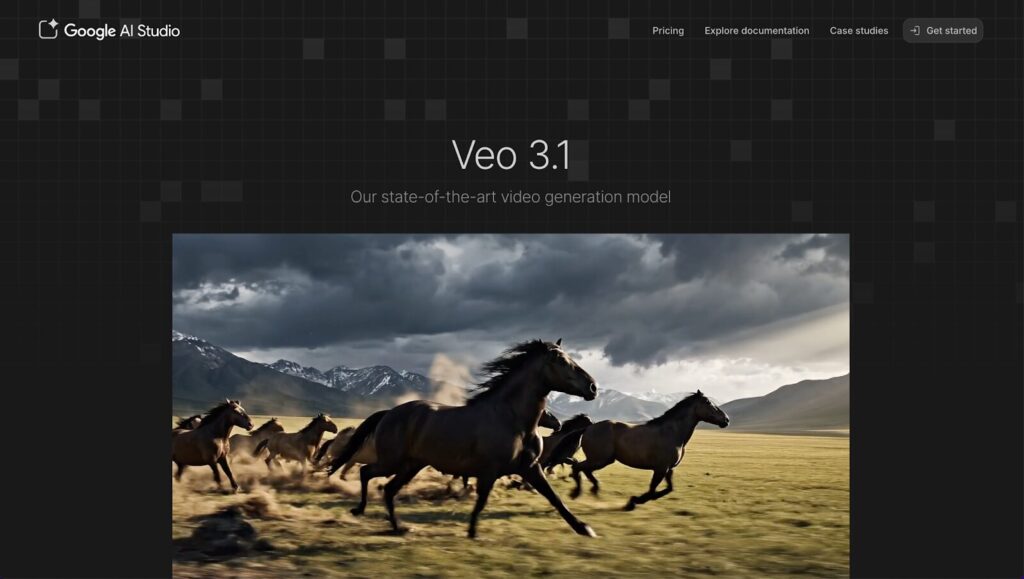
VEO-style models focus heavily on realism.
They can produce extremely high-quality visuals but may have limited accessibility and slower generation speeds.
Mango Animate — Best Animation Style Videos
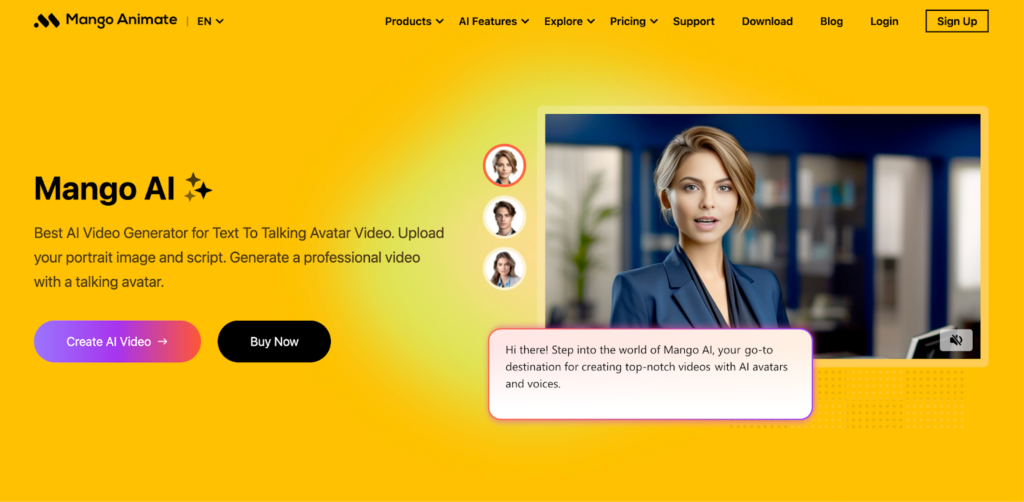
Mango Animate is excellent for educational and explainer content.
It is best for:
- Cartoon-style videos
- Training content
- Tutorial animations
It is not designed for realistic video generation.
Tool Comparison Table
| Tool | Quality | Speed | Ease of Use | Best Use Case |
| Loova | 5/5 | 5/5 | 5/5 | All-in-one creation |
| Kling AI | 5/5 | 3/5 | 3/5 | Cinematic storytelling |
| Pika | 3/5 | 5/5 | 5/5 | Viral social clips |
| Runway | 4/5 | 3/5 | 4/5 | Professional editing |
| HeyGen | 4/5 | 4/5 | 4/5 | AI avatars |
| InVideo | 3/5 | 5/5 | 5/5 | Marketing templates |
| VEED | 3/5 | 5/5 | 5/5 | Quick editing |
| Seedance | 4/5 | 4/5 | 3/5 | Advanced AI video |
| VEO | 5/5 | 3/5 | 3/5 | High-end research models |
| Mango Animate | 3/5 | 5/5 | 5/5 | Animation videos |
How to Choose the Right Tool
If you want high content output volume, choose all-in-one platforms.
If you want cinematic storytelling quality, choose high-end AI video models.
If you want social media growth, choose fast-generation tools.
Beginners should start with short videos before attempting complex scenes.
Final Thoughts
AI video generation is quickly becoming the default way content is produced.
Simple strategy:
- Use Loova for fast all-in-one creation.
- Use cinematic AI models for high visual quality.
- Use template tools for marketing speed.
If you want to try modern AI content workflows, you can try loova.ai and see how it goes.
FAQs
What is the best image to video generator in 2026?
It depends on your use case. All-in-one platforms are best for general creators.
Are AI video tools free?
Some offer free trials, but premium quality usually requires paid plans.
Can I add music to AI videos?
Yes. Most tools support audio integration.
How long does it take to generate videos?
Usually from seconds to a few minutes.
Is AI video generation difficult to learn?
No. Modern tools are designed for beginners.
