
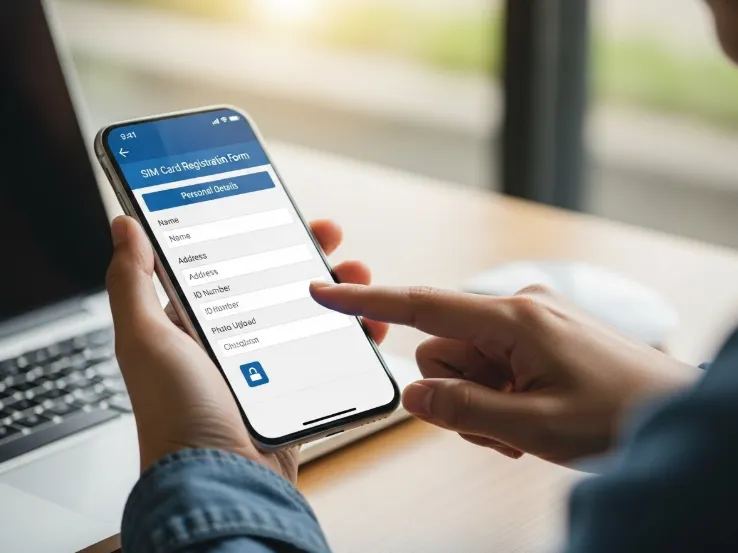
Tm Sim registration has become a basic requirements for every mobile user in Philippines., and many people today are searching for clear instructions on how to complete sim registration tm without dealing with slow websites or confusing steps. Whether you’re activating a brand-new SIM or updating an older one you’ve been using for years, the good news is that TM has simplified the entire registration process. With just a bit of preparation, you can finish everything in a matter of minutes and avoid any service interruptions down the line.
Why TM SIM Registration Matters More Than Ever
The requirement to register all SIM cards was introduced to protect users from digital threats, fraud, spam messages, and scams. Over the last few years, the number of scam-related texts and phishing attempts has increased, motivating the government to implement stricter rules. TM, as part of Globe Telecom, follows these regulations closely.
SIM registration has several major benefits:
- It secures your mobile identity
- It helps prevent unauthorized use of your number
- It reduces scam messages and spam calls
- It allows you to recover your number if your SIM is lost
- It ensures compliance with national regulations
The system is designed to balance simplicity with security. As long as the user provides accurate information and a valid ID, the registration is smooth and straightforward.
What You Need Before Registering Your TM SIM
If you want the process to be quick, prepare these items beforehand. Planning ahead cuts your registration time in half and avoids unnecessary delays.
1. A Valid Government-Issued ID
Your identity must be verified using one valid ID. Here are commonly accepted options:
- Philippine National ID
- Passport
- Driver’s License
- Postal ID
- SSS ID
- PhilHealth ID
- Senior Citizen ID
- PRC ID
- UMID
- TIN ID
Make sure the ID is not damaged, blurred, or unreadable. A clear, well-lit photo of your ID makes verification fast.
2. A Mobile Phone With the TM SIM Inserted
You will receive a one-time PIN (OTP) via SMS, so your SIM must be active and inserted in your device.
3. Personal Information
Prepare your:
- Full name
- Birthday
- Address
- Nationality
- Sex
These details must match the information written on your ID.
4. A Clear Photo of Your ID
If possible, take the photo ahead of time. Use natural lighting and avoid shadows or glare.
How to Register TM SIM Fast (Full Step-by-Step Guide)
The registration process is designed to be user-friendly. Here’s a complete breakdown of the steps so you can follow along without confusion.
Step 1: Open the TM SIM Registration Page
Use your phone or laptop to access the official TM registration platform. This is where you will enter all your information.
Step 2: Input Your TM Mobile Number
Type your 11-digit TM number carefully. One small mistake will prevent the OTP from arriving.
Step 3: Enter the OTP Sent to Your Phone
Once you submit your number, TM will send a one-time PIN to the SIM you’re registering. The code expires quickly, so input it as soon as you receive it. If the OTP doesn’t arrive:
- Restart your phone
- Move to an area with better signal
- Turn off airplane mode
- Request a new OTP
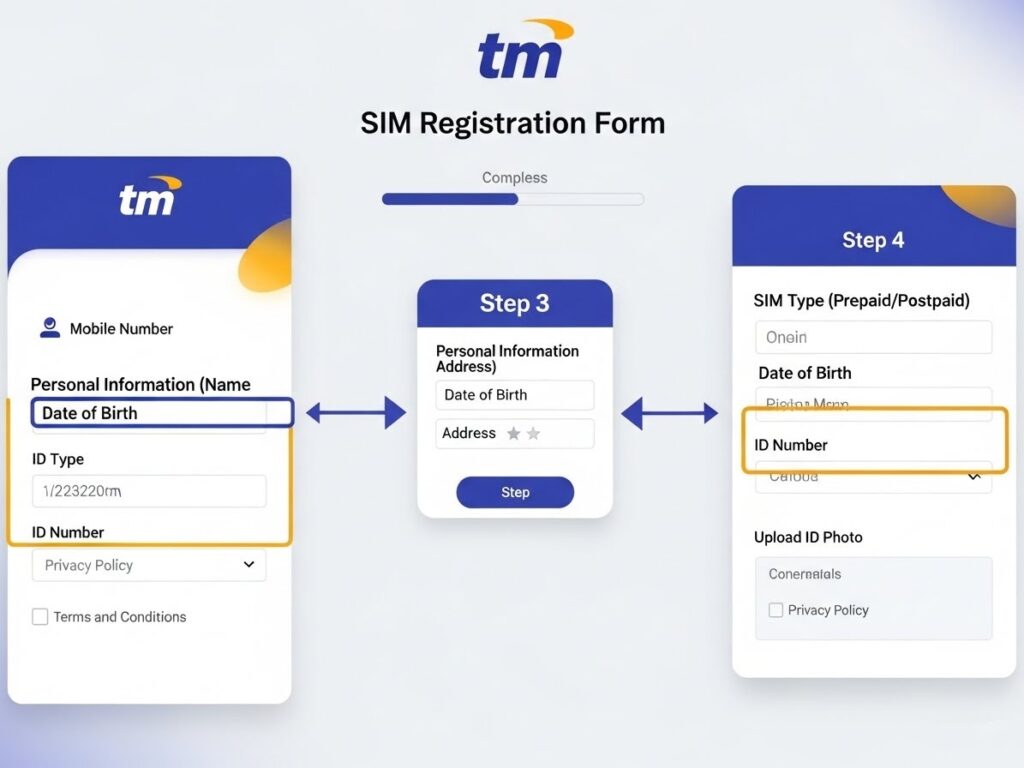
Step 4: Provide Your Personal Information
When you’re verified, the next page will ask for your full name, birthday, nationality, address, and sex. Enter the information exactly as shown on your government ID.
This is one of the most important parts, so take your time. Any mismatched details may cause delays or rejection.
Step 5: Upload a Photo of Your Government ID
The portal will ask for a clear image of your ID. Some users may also be required to take a live selfie for verification.
Tips for fast ID approval:
- Position the ID flat against a plain background
- Make sure the text is readable
- Avoid shadows and reflections
- Do not crop the image too tightly
Step 6: Review All Details Carefully
Before submitting, check everything again:
- Spelling of your name
- Date of birth
- Address
- ID image clarity
A simple typo can slow down your registration. Reviewing your information only takes seconds but saves a lot of time.
Step 7: Submit and Save the Reference Number
Once everything is correct, click submit. You’ll receive a confirmation message with a reference code. Screenshot or write it down in case you need it for future updates or verification.
Alternative Ways to Register Your TM SIM
Not everyone has access to a stable internet connection, and TM understands that. This is why they offer alternative registration methods.
1. TM Stores and Partner Outlets
You can go to any TM or Globe Store and ask for assisted registration. Staff members will help you submit your information and verify your ID. This is great for:
- Seniors
- Users without smartphones
- People who prefer face-to-face assistance
2. Community Registration Booths
TM often sets up booths in barangays, markets, malls, and events. These booths are especially helpful in remote areas where internet access is limited.
How Long Does TM SIM Registration Take?
If everything is prepared beforehand, you can complete the entire process in:
2 to 5 minutes.
Delays usually happen when:
- The ID photo is unclear
- The OTP is delayed
- The website is experiencing heavy traffic
- Users input incorrect information
With proper preparation, registration is extremely fast.
Tips to Make the Registration Even Faster
To make your registration smoother and faster, follow these practical tips:
1. Avoid Peak Hours
Evenings tend to have heavier website traffic. If the portal feels slow, try registering early morning or mid-afternoon.
2. Keep Your Phone Signal Strong
Weak cellular signal is the number one cause of OTP delay. Move closer to windows or outdoors if needed.
3. Turn Off VPN Services
Some VPNs block or slow down SMS OTP delivery. Disable VPN before registering.
4. Double-Check Your Information Before Submission
Accuracy saves time. Always check spelling, numbers, and ID details.
5. Use Good Lighting for ID Photos
Clear photos mean fast verification. Avoid blurry or dark images.
Common Problems During SIM Registration and Their Solutions
Even though the process is simple, issues sometimes happen. Here are the most common problems and how to fix them quickly.
Problem 1: OTP Not Arriving
Solutions:
- Restart your device
- Check the message inbox capacity
- Ensure the SIM is inserted correctly
- Move to a better signal area
- Request a new OTP
- Turn airplane mode on and off
Problem 2: Registration Page Not Loading
Possible causes:
- High website traffic
- Weak internet connection
- Browser compatibility issues
Try:
- Refreshing the page
- Switching from mobile data to WiFi
- Using a different browser
- Trying again after a few minutes
Problem 3: ID Photo Rejected
Fix by:
- Retaking the photo with better lighting
- Ensuring all text is visible
- Using a clean background
- Avoiding glare or shadows
Problem 4: Mismatched Details
Make sure:
- Your name matches your ID exactly
- Your birthdate is correct
- Address follows proper format
Consistency is key for verification.
How to Tell If Your TM SIM Is Already Registered
If you previously registered and forgot about it, TM usually sends a confirmation message. You can also try starting the registration page again. If the system detects an existing record, it will notify you.
Additionally, if your number continues to function normally and you’re not receiving reminders to register, your SIM is likely already registered.
What Happens If You Don’t Register Your TM SIM?
Failure to register leads to several consequences:
- Your SIM will be deactivated
- You lose your mobile number permanently
- The remaining load and promo balance will disappear
- You won’t be able to make calls, send texts, or access mobile data
- Re-registering an inactive number may no longer be possible
Registration is a small step that prevents major inconvenience later.
Registration for Minors, Foreigners, and Businesses
Different users have different registration requirements. Here’s a breakdown of special cases:
For Minors
A minor cannot register a SIM independently. A parent or legal guardian must register under their name and take responsibility for the SIM’s usage.
For Foreign Nationals
Foreigners must provide additional documents, such as:
- Passport
- Visa or a stay permit
- Proof of Philippine address
- Return ticket (for tourists)
For Business and Corporate Accounts
Companies registering TM SIMs must provide:
- Business details
- Authorized representative information
- Official documents
This ensures accountability and compliance.
Frequently Asked Questions (FAQ)
1. Is TM SIM registration free?
Yes. Registration is completely free.
2. Can I change my information after registering?
Yes, but updates must be coordinated with TM customer support.
3. Can a SIM registered under someone else be transferred?
Transfer is not allowed unless officially processed by TM with proper authorization.
4. What if I lose my registered SIM?
You can request a replacement as long as the number is under your name.
5. Can I skip registration and just use my SIM?
No. Unregistered SIMs will eventually be deactivated.
Final Thoughts
Completing your TM SIM registration is not only a legal obligation but a smart and necessary step to protect your identity, secure your mobile accounts, and guarantee uninterrupted service. With everything prepared ahead of time, the entire process can be finished quickly and easily. This detailed guide provides everything you need to know about how to register TM SIM Fast, from requirements to troubleshooting and additional tips that help you complete the process smoothly.
Take a few minutes now to register your SIM, and enjoy the peace of mind of knowing your number is safe, verified, and fully protected.
